This November at The Game Crafter

No More Soot at The Game Crafter
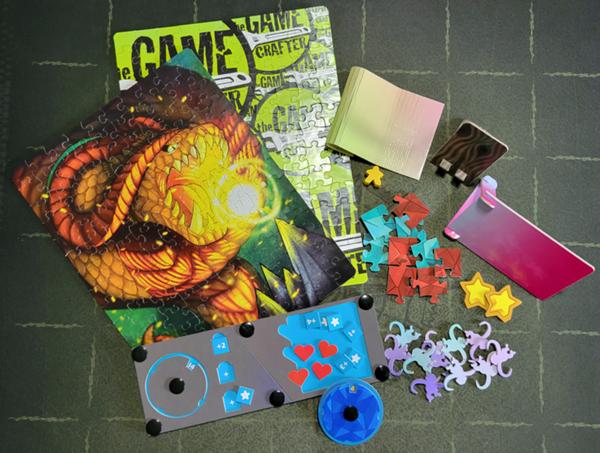
For years, many of our punchouts had soot from the laser cutting process, but not anymore! Over the past few months, you may have noticed your punchouts and cardstock are arriving cleaner than ever. That’s because we’ve transitioned from laser cutting to a steel cutting method.
Everything except Custom Acrylic will now be steel cut.
What This Means for You
Because of this change, there are a few things to keep in mind:
- Color and Edge Quality: Similar to cards, dark-colored designs are more likely to show small chips or rough edges after cutting. Consider lighter designs.
- Precision and Shape Size: Laser cutting offered extremely fine precision, with steel cutting there are now some size limitations to consider.
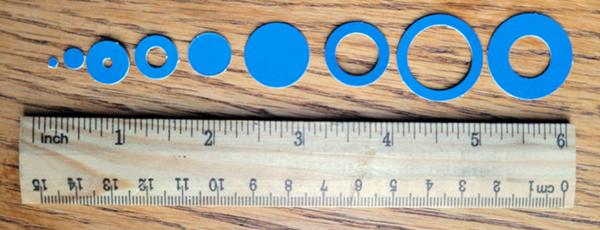
Avoid holes or shapes smaller than ¼ inch.
¼ inch elements are possible but could lead to tearing.
Anything smaller, such as a ⅛-inch circle or a thin ⅛-inch shapes is not recommended.
- Nick Requirements (for Cardstock): The required nick size is changing from 0.02" to 0.03" (0.75 mm). This helps keep your shapes securely attached to the slug during production. Using smaller nicks could cause pieces to detach or get damaged.
- Cutting Along the Safe Zone: When cutting along the safe zone, especially on Large Custom Cardstock, long cuts are more likely to detach and get damaged if there aren’t enough nicks. Add extra nicks if possible to help everything stay in place. We have also added limitations to how close your cut lines can be to the edge. All cut lines must be at least 0.125" from each edge, or the file will not be accepted.
- Custom Punchout Slots, Slits and Tabs:
When creating slits for things like standees, don’t add nicks to the slits. This can cause damage to the bases or slits.
When making slots and tabs, take into account the lack of a kerf (removal of material by the blade). The laser removed material when it cut, this steel method does not. Give slots some wiggle room in your tabs to avoid torn paper, and round your corners for easier insertions
Did You Get A Warning About Your SVGs?
Because of these changes, when you upload an SVG, it will be checked to make sure there are no cuts outside the safe zone. We also checked all SVGs currently uploaded to the site. If you recieved an email with warnings about your SVG cut files, your SVG cut lines are outside the safe zone. Let's talk about what this means, so you can be better prepared.
First, the safe zone is always exactly 0.125" inside the template file on each edge (0.25" smaller than the total file measurements). You can have cut lines up to that point, but even if your cut line was a fraction off, you would have received a warning.
This change helps ensure a better outcome for your custom items.
The Possibilities
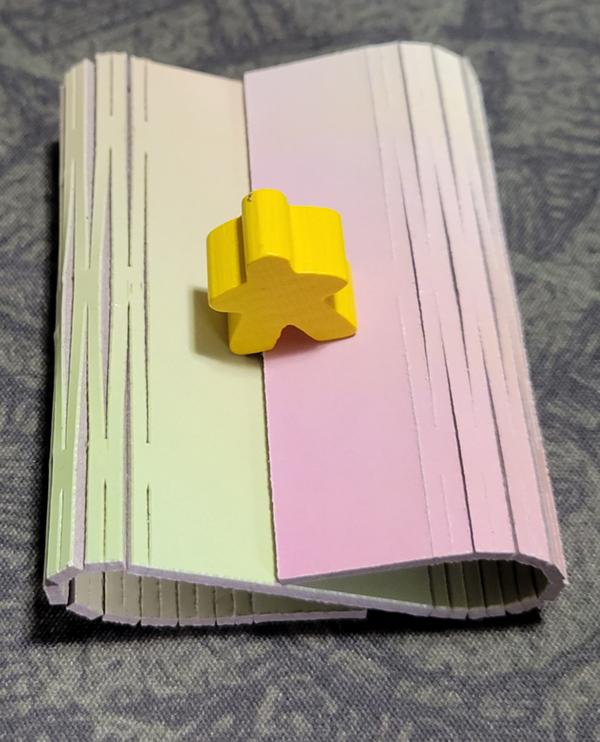
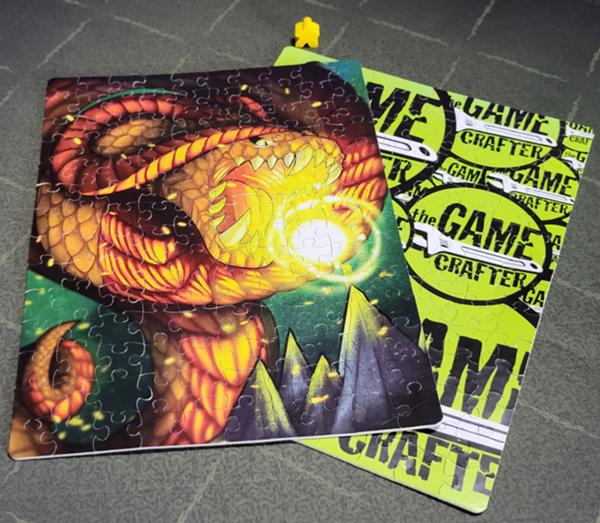
Now that we’ve made the switch to steel cutting, you can look forward to cleaner punchouts, smoother production, and soot-free shapes, opening up new creative possibilities that weren’t feasible before! Here are some things that you may have avoided in the past due to soot that are now possible:
Living Hinge:
Puzzle:
Complicated Shapes: